About Us • Contact • Disclaimer • Privacy Policy
Copyright © 2025 AkonMobile.com

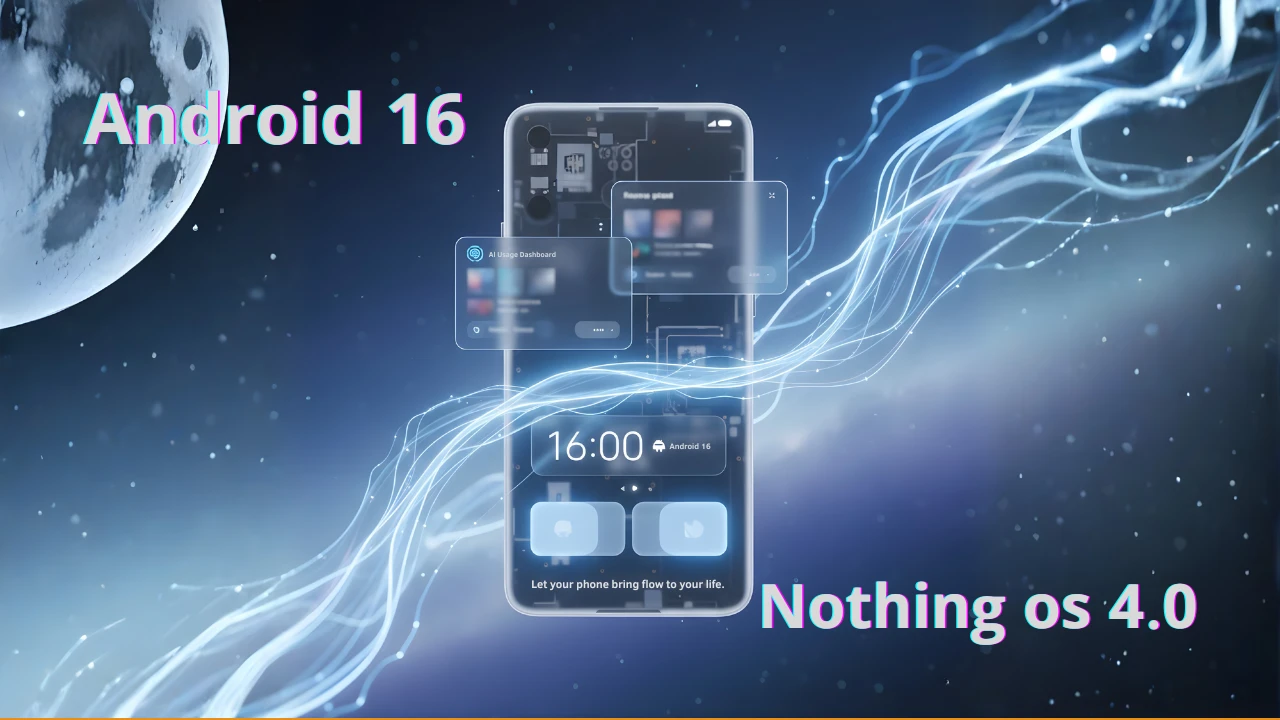
The wait is officially over! London-based tech disruptor, Nothing, has rolled out the general release of Nothing OS 4.0, an update built on the latest Android 16 operating system. Dubbed “Flow,” this major software release promises to revolutionize how you interact with your smartphone, living up to its tagline: “Let your phone bring flow to your life.”
After several months of rigorous and successful beta testing, Nothing is showing the industry how it’s done, delivering one of the fastest Android 16 rollouts seen among major device manufacturers. This isn’t just a routine update; it brings refined design, enhanced performance, and fresh AI tools right to your fingertips.
If you own a supported Nothing or CMF device, get ready for a significantly smoother and more intuitive user experience. Read on to find out exactly what Flow brings and, most importantly, if your device is eligible for the highly anticipated Nothing OS 4.0 update.

Nothing has always championed a clean, minimalist design, and Nothing OS 4.0 manages to maintain that aesthetic while incorporating powerful new features. By basing this update on Android 16, Nothing ensures users benefit immediately from core Android advancements, including foundational security enhancements and better battery life management.
The stable version is rolling out globally in a phased approach, prioritizing newer, flagship models first. This strategic deployment aims to ensure a stable experience for everyone. Users should look forward to the unique Nothing-style customisations that make the mobile experience both practical and effortless.
The theme of “Flow” is centered around fluid animations, smarter, and transparent AI integration, and giving the user absolute control. Nothing emphasizes that users will always be able to monitor or disable the new AI functionalities—a strong stance on user privacy.
Here are the key highlights that make Nothing OS 4.0 such a compelling upgrade:
This blend of refined design and practical tools ensures your smartphone feels both more efficient and more personal than ever before.
While the official, phase-by-phase rollout schedule is still being finalized, the devices that participated in the successful beta program—and thus are highly expected to qualify—offer a clear picture of eligibility.
This list covers most of Nothing’s recent lineup, making the android 16 nothing os 4.0 experience accessible to a wide user base. (Note: The original Nothing Phone (1) is expected to be excluded from this major update.)
Expected devices that will receive the Nothing OS 4.0 update:
How to Check: Starting today, if you own one of the expected devices, navigate to Settings > System > System Update to see if the Nothing OS 4.0 update is available for you!
| Question | Answer |
|---|---|
| What is Nothing OS 4.0 based on? | Nothing OS 4.0, or “Flow,” is based on the latest major operating system release, Android 16. |
| What is the key feature of the “Flow” release? | The release focuses on fluidity, smarter and transparent AI integration, and the new Advanced Multitasking Pop-up View. |
| Which devices are eligible for Nothing OS 4.0? | Most recent Nothing and CMF phones, including the Phone (3) series, Phone (2a) series, and CMF Phone 1/2 Pro, are expected to qualify. The original Phone (1) is not on the list. |
| Does Nothing OS 4.0 collect personal data for its new features? | Nothing emphasizes transparency. The new Lock Glimpse feature is disabled by default and collects zero personal data. Users also have full control via the AI Usage Dashboard. |
| How fast is the Nothing OS 4.0 rollout? | Nothing has achieved one of the fastest Android 16 rollouts yet, demonstrating strong software commitment to their users. |
The Nothing OS 4.0 General Release is a significant milestone, establishing Nothing as a frontrunner in fast, post-launch software support. By embracing Android 16 so quickly, they are ensuring their users receive the best performance, security, and innovative features available today.
If you’re ready to dive into the ‘flowier’ and more efficient smartphone experience that awaits, make sure to check your phone’s update settings immediately! For more tech news, reviews, and detailed comparisons, be sure to visit our Tech And Mobile Hub | Reviews, News & Comparisons.


